

Demo App
The Astur Demo App (com.astur.demo) is a small native app whose only job is to give automation a stable, predictable target. Every screen demonstrates one capability — tap, scroll, swipe, drag, form input, file upload, and hybrid WebView — with fixed test ids so locators stay reliable across runs and platforms.
It is the same app the runnable suites drive, so the screenshots below map one-to-one to the specs in the astur-boilerplate starter (and the in-repo examples/).
What each screen demonstrates
Section titled “What each screen demonstrates”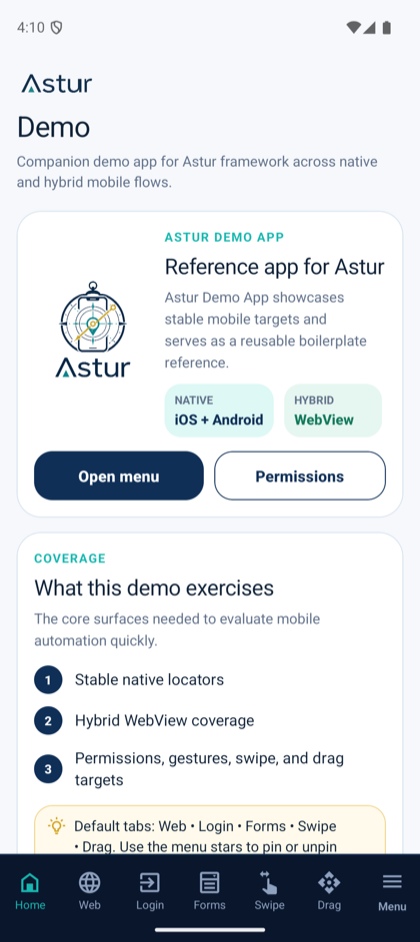
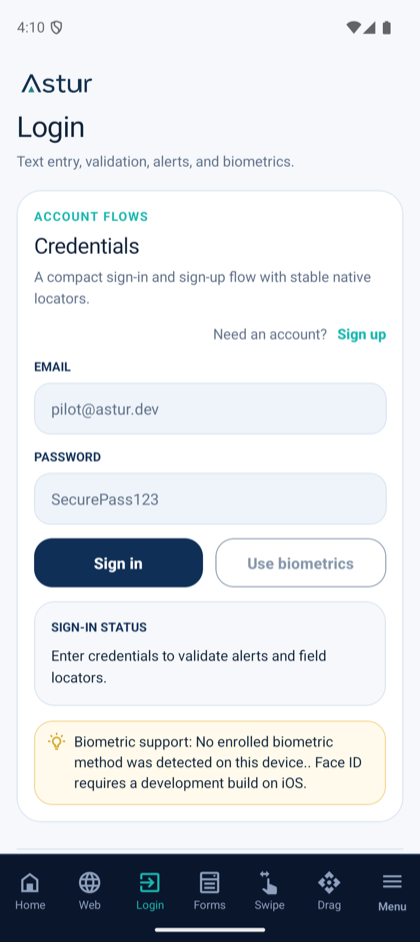
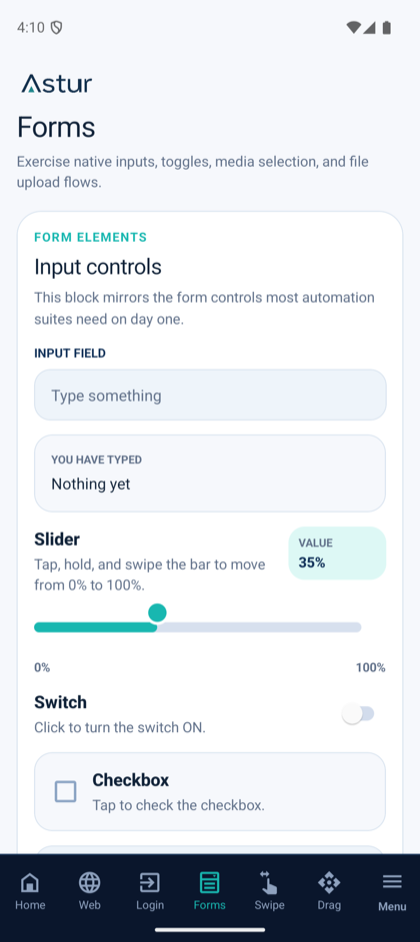
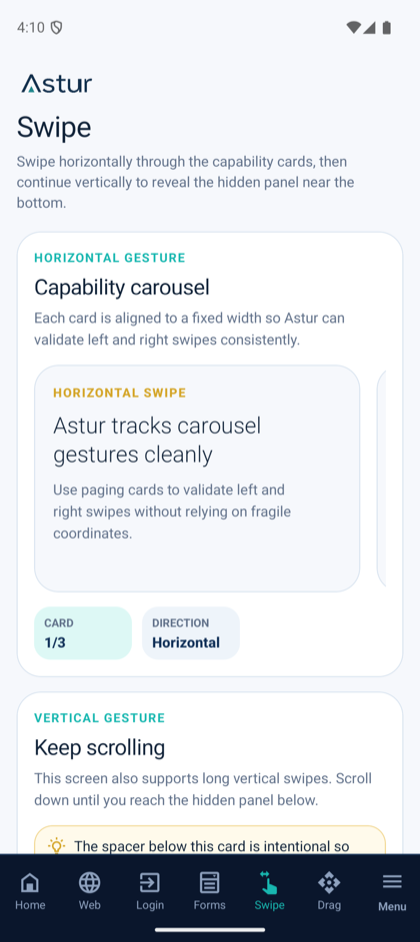
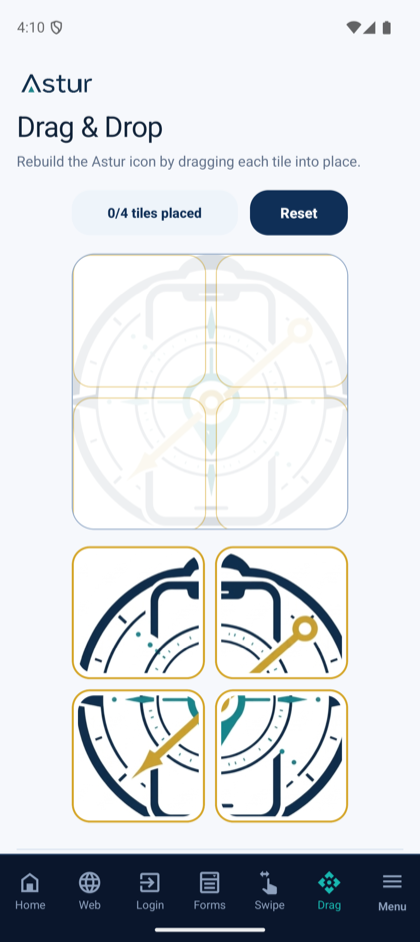
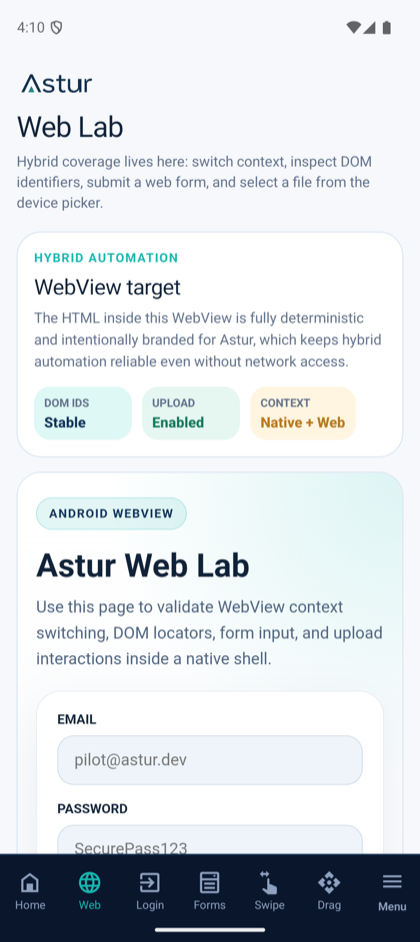
device.webContext(), drive DOM locators, submit a web form, and upload inside the WebView.Where to get it
Section titled “Where to get it”The builds ship with the boilerplate and in this repo’s assets/:
- Android:
assets/astur.demo.android.apk - Android (Flutter):
assets/astur.demo.android_flutter.apk - iOS simulator:
assets/astur.demo.ios.simulator.zip(unzip toassets/Astur.app) - iOS simulator (Flutter):
assets/astur.demo.ios.simulator_flutter.zip(unzip toassets/Runner.app) - iOS real device:
assets/astur.demo.ios.ipa
Run targets
Section titled “Run targets”The same specs run on four targets. Astur installs the demo app on first run and auto-installs its own agent, so the only prerequisite is a visible device.
| Target | Visible via | What you need |
|---|---|---|
| Android emulator | adb devices (e.g. emulator-5554) |
A booted AVD. Nothing else — Astur installs the APK and its agent. |
| Android real device | adb devices |
USB debugging enabled and the device authorized. Same auto-install path. |
| iOS simulator | xcrun simctl list devices booted |
A booted simulator and the unzipped Astur.app. |
| iOS real device | xcrun devicectl list devices |
A trusted, Developer-Mode device, the .ipa, and ASTUR_IOS_DEVELOPMENT_TEAM set so the XCUITest agent can be signed. |
Try it through the Inspector without writing a test:
# Android emulatornpx astur-mobile codegen --android --device emulator-5554 \  --app ./assets/astur.demo.android.apk --app-id com.astur.demo
# iOS simulatornpx astur-mobile codegen --ios --simulator \  --app ./assets/Astur.app --app-id com.astur.demo
Or run the full feature suite from the astur-boilerplate starter:
npx astur-mobile test --config config/android/playwright.config.ts